

Finally know where every advice case is.

GoSubmit brings advisers and paraplanning teams into one shared workflow — from case submission to completion, without relying on scattered emails, Teams messages and spreadsheets.

It does not replace your CRM. It gives advisers, paraplanners and administrators one shared workspace for the operational side of producing advice.

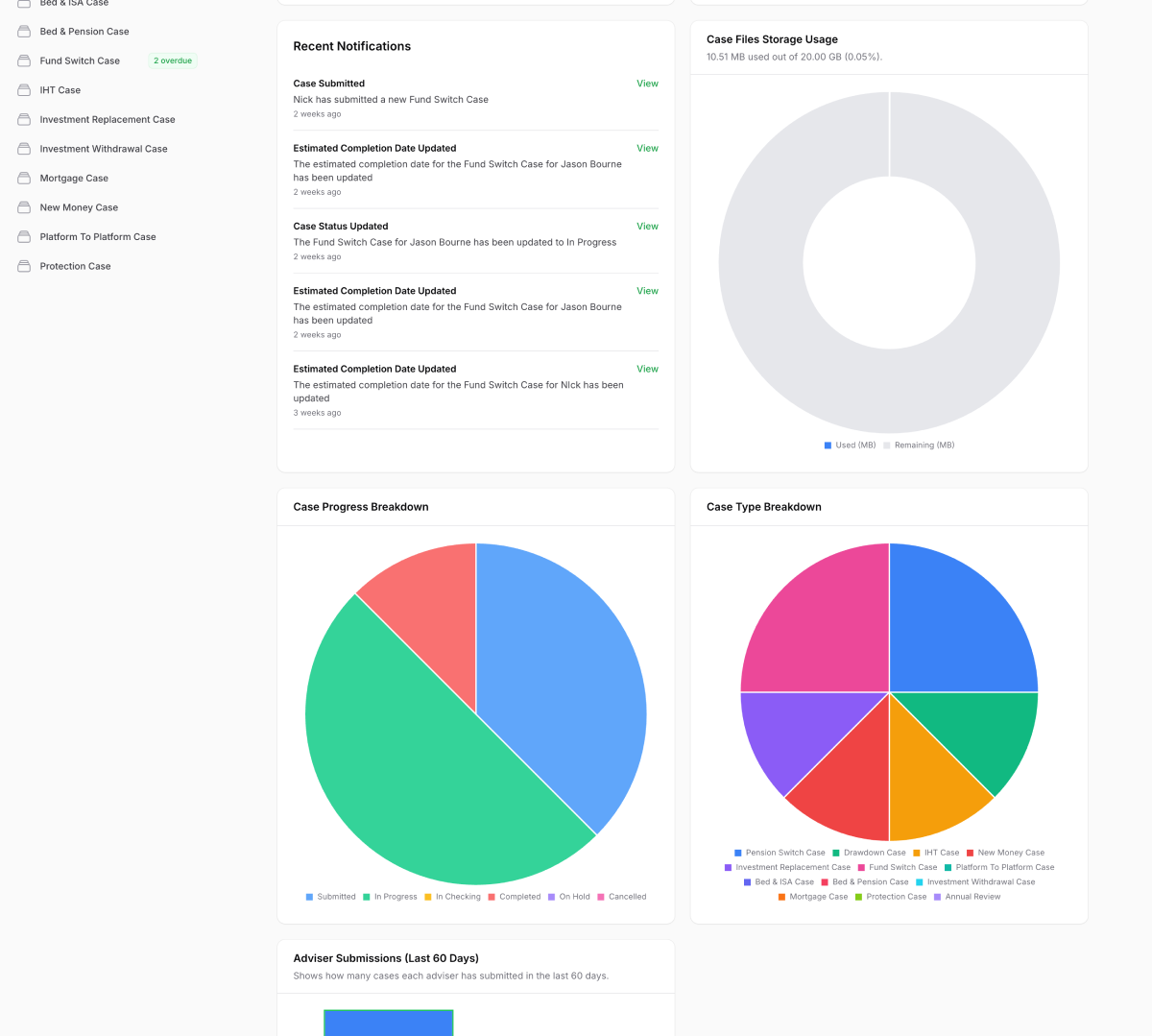
GoSubmit advice case dashboard

See GoSubmit in action

From adviser submission to a managed case workflow in just over a minute.

See how advisers, managers and paraplanners work together in one shared case journey.

How will GoSubmit benefit you?

GoSubmit helps financial advice firms & outsourced paraplanners manage cases faster, with less chasing and more visibility.

Advisers

Submit cases in minutes and track progress in real-time. GoSubmit keeps you informed without the need to chase updates.

Paraplanning Managers

Gain full visibility over your team's workload and turnaround times. Assign cases, monitor performance, and streamline operations.

Paraplanners

Access all your assigned cases in one place. Update statuses, manage workloads, and collaborate with advisers effortlessly.

Management

Generate reports, manage users, and ensure compliance — all from a centralised platform built for efficiency.

GoSubmit configurable advice case workflow

Your process. Your case requirements.

Configure GoSubmit around the way your firm actually works.

Every advice firm and paraplanning team works differently. GoSubmit lets you decide what information should be captured for each type of case, rather than forcing every case through the same form.

Case-specific fields and repeatable groups

Capture the information that matters for Pension Transfers, Protection, IHT and other case types, including repeatable information where more than one plan or item is involved.

Configurable checklists

Give teams a consistent process while keeping requirements relevant to the work being completed.

Notify people about the changes that matter

Choose which important custom fields should trigger a case update notification, including individual fields inside repeatable groups, without creating notification noise.

From submission to completion

A clear workflow from the moment a case is submitted.

1

Adviser submits a case

The adviser selects a case type, enters client details and uploads documents through a streamlined submission form.

2

Manager reviews and assigns the case

The paraplanning manager can review the submission, see the team workload and assign the case to the right paraplanner.

3

Paraplanner progresses the case

The paraplanner works from one case record, updating statuses, key information and timelines while relevant users stay informed.

4

Everyone stays informed through to completion

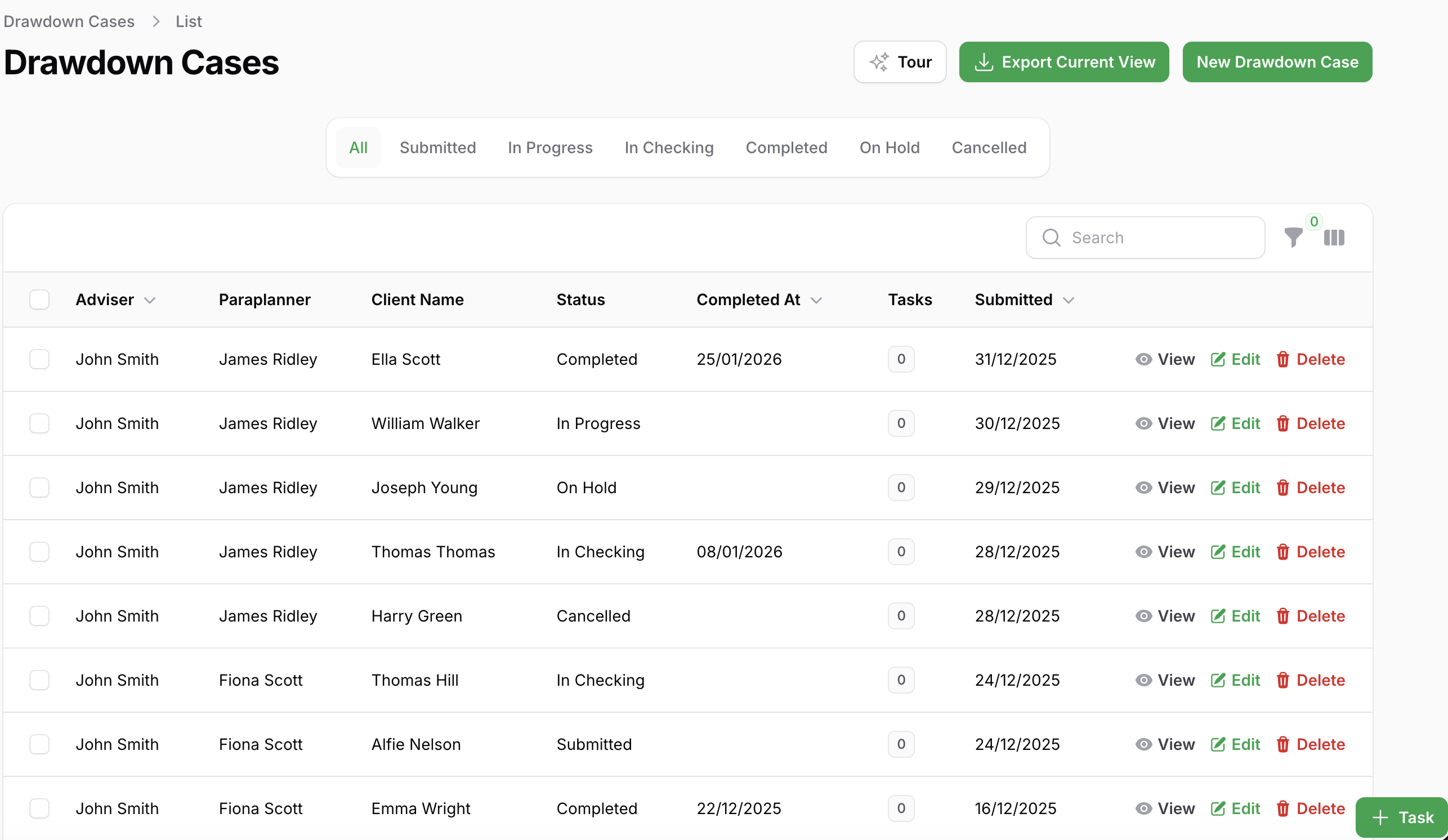
Advisers can follow progress without chasing, while managers retain visibility of workloads, turnaround times and bottlenecks across the whole workflow.

Why Choose GoSubmit?

A few reasons why our valued customers choose GoSubmit.

Manage every case from submission to completion with a clear, structured workflow. This reduces back-and-forth and ensures every team member knows the current status at a glance.

Advisers, paraplanners, administrators, and managers all have tailored access, allowing them to focus on their responsibilities while maintaining transparency across the firm.

Stay informed with real-time updates when a case is assigned, completed, or updated. No more chasing emails—everyone gets the info they need, when they need it.

Unlock powerful reporting to monitor paraplanner efficiency, identify bottlenecks, and make data-driven decisions to improve productivity.

Visualise upcoming case deadlines with an integrated calendar—never miss a critical completion date again.

Capture key updates and save time-stamped notes visible to relevant team members — keeping communication clear and traceable.

In-house or outsourced paraplanning

One consistent workflow, even when advisers and paraplanners work across different teams.

Give advisers a structured way to submit cases and documents while your paraplanning team manages allocation, workloads, deadlines and progress in one place.

Ask GoSubmit

Ask your business a question.

Instead of building another report, ask GoSubmit what you want to know. It turns the operational information already captured through your workflow into answers you can actually use.

“Which paraplanner has capacity?”

“Which cases have been on hold longest?”

“What’s causing cases to become delayed?”

Ask GoSubmit works within GoSubmit’s existing permissions and access controls, so users only receive answers based on information they are authorised to access.

See Ask GoSubmit in action

Book a demo

See how GoSubmit brings advisers, paraplanners and administrators into one shared case workflow.

In a short demo, we will walk through how a case moves from submission to completion, how documents and notes stay attached to the right case, and how your team can see what is outstanding without chasing updates.

Book a Demo

No hard sell. Just a practical look at whether GoSubmit could help your advice team reduce chasing, improve visibility and manage cases more consistently.

Pricing

Simple pricing for advice teams that want better case visibility.

GoSubmit includes every core feature on every plan, so you do not need to choose between tiers or pay extra for the workflow tools your team actually needs.

Pricing scales with your team size, making it suitable for small advice firms, in-house paraplanning teams and larger organisations that need a more structured way to manage advice cases.

Your data is hosted in UK-based data centres and supported by a UK-based team, making GoSubmit a natural fit for regulated financial services businesses.

Start with a 30 day free trial. No setup fee. No long-term commitment. Cancel anytime.

Start Free Trial
From £ 10 per user / month
  • £20 / user for 1–3 users
  • £15 / user for 4–10 users
  • £10 / user for 11–49 users
  • Enterprise plans available for larger firms and networks
  • Every feature included on every plan
  • UK-hosted infrastructure and UK-based support
  • 5GB / user file storage
  • 30 day free trial. Cancel anytime

Not sure where GoSubmit fits alongside your CRM? Book a demo and we will show you the difference in under 15 minutes.

Latest from GoSubmit Insights

Practical guidance to help financial advice and outsourced paraplanning firms improve efficiency and build better workflows.

Why Better Paraplanning Starts With a Better Submission

Why Better Paraplanning Starts With a Better Submission

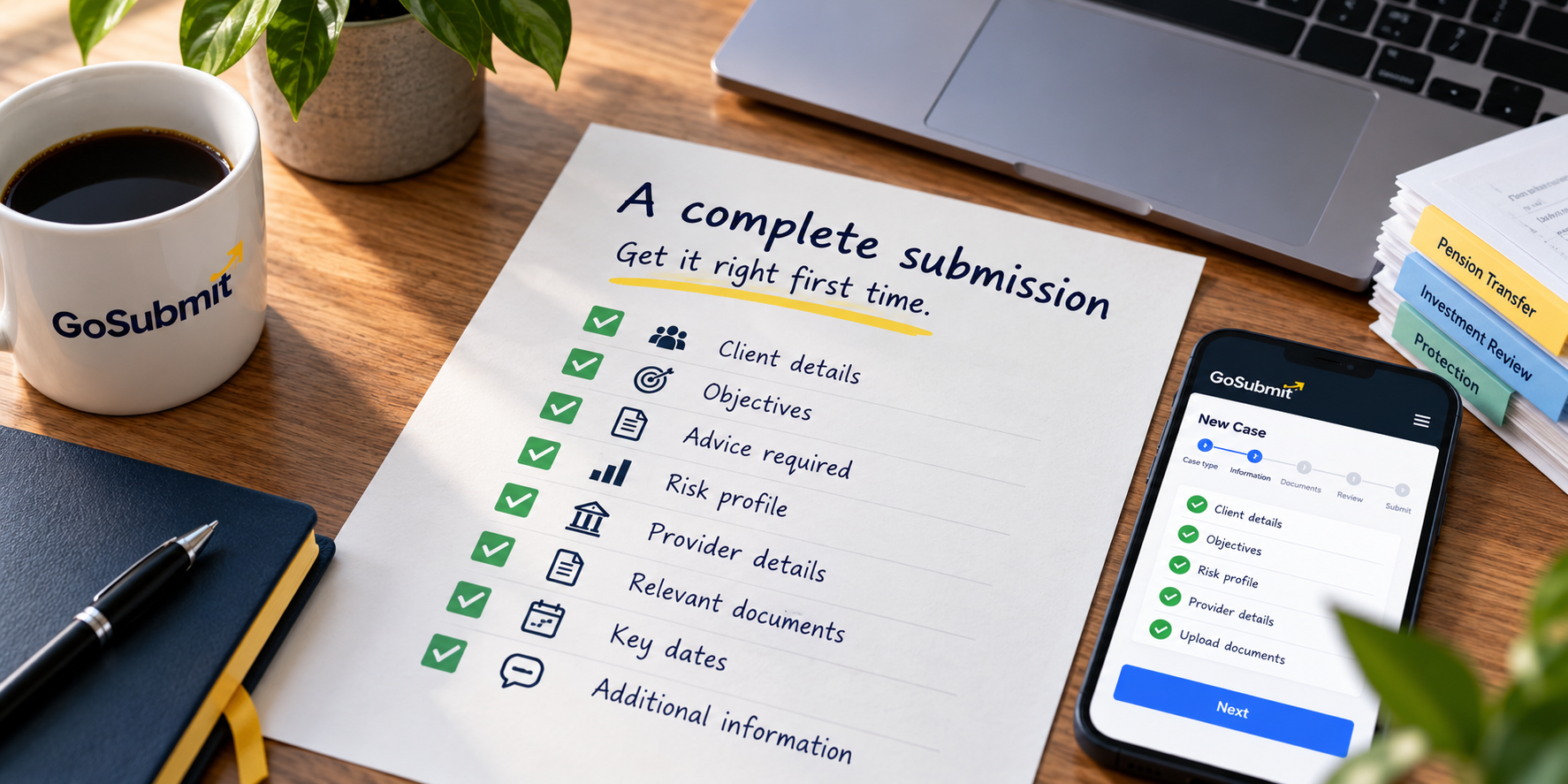
Incomplete case submissions create unnecessary administration, delays and repeated requests for information. Discover why improving the submission process can make the entire paraplanning workflow more efficient.


Where Is Your Paraplanning Time Actually Going?

Where Is Your Paraplanning Time Actually Going?

A case may take 14 days from submission to completion, but that number alone does not explain where the time went. Understanding the case journey can reveal the real causes of delay.

How to Build a Workflow That Scales

How to Build a Workflow That Scales

Learn how to create a clear, consistent advice workflow that reduces delays, improves ownership and supports growth without adding unnecessary complexity.